
THIRTEEN PHOTOS. ONE JOURNEY.
The ground floor of a family home, made from 13 standard listing photos and the floorplan. Watch the walkthrough first, then see everything we worked from. The agency branding in the video is a placeholder: yours goes there.
01 WHAT YOU GET
A 46-second walkthrough, in landscape and verticalEvery scene is checked against the supplied photographs and floorplan. We correct identified discrepancies before delivery, but generated movement can introduce visual differences. Each video should be reviewed before publication.
02 WHAT WE WERE SENT
Everything we were sent: 13 listing photos and the floorplan. Click any photo to see it larger.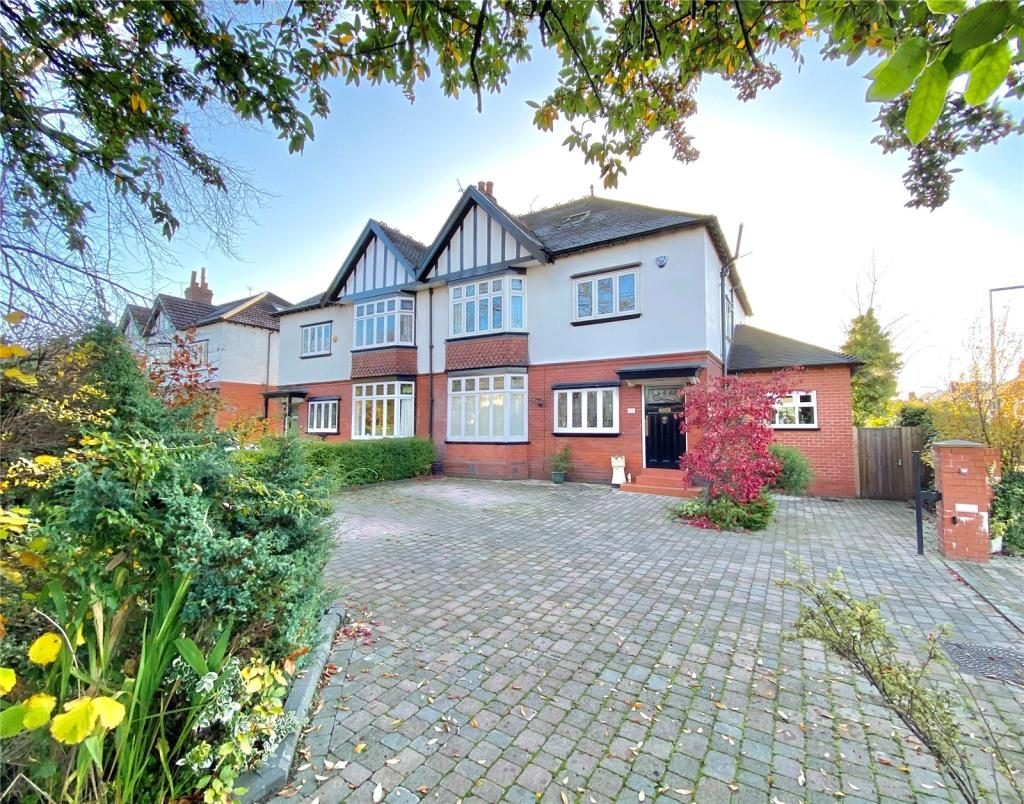
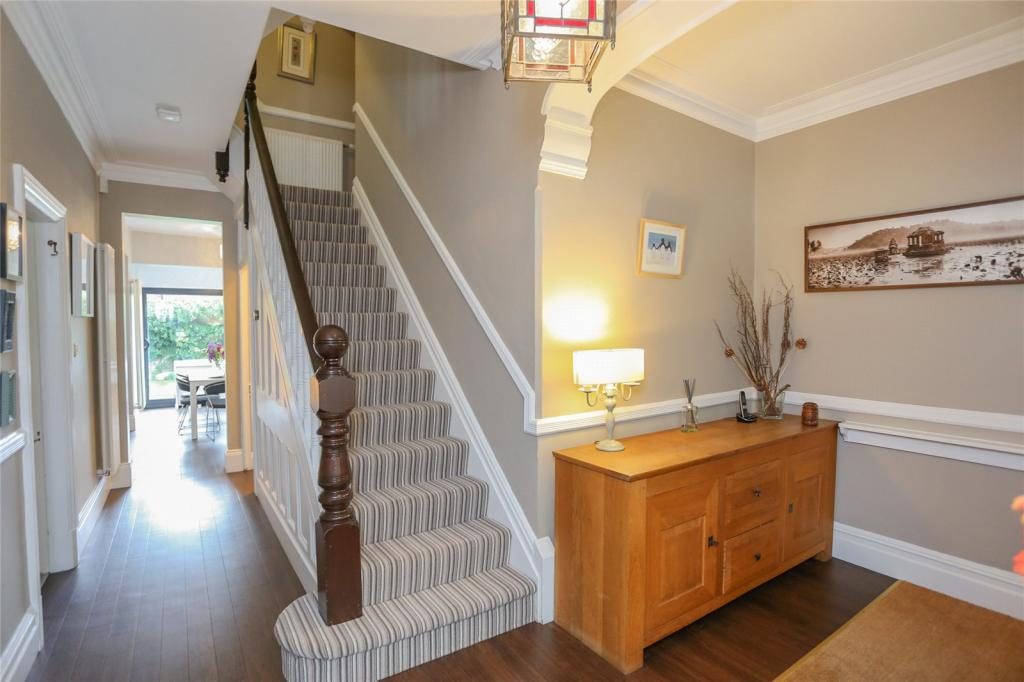
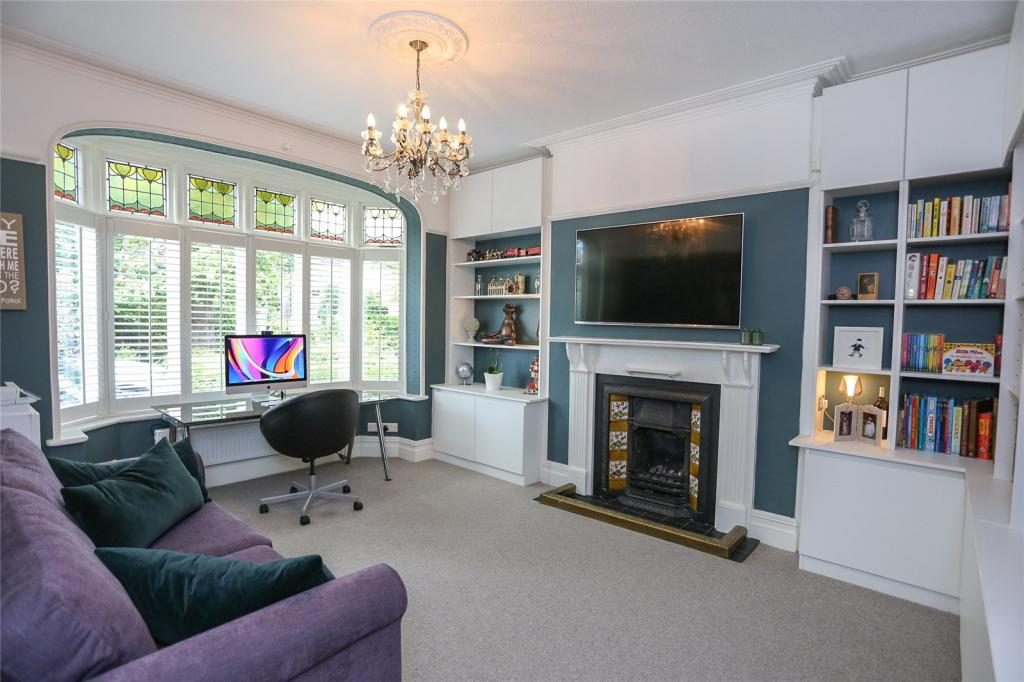
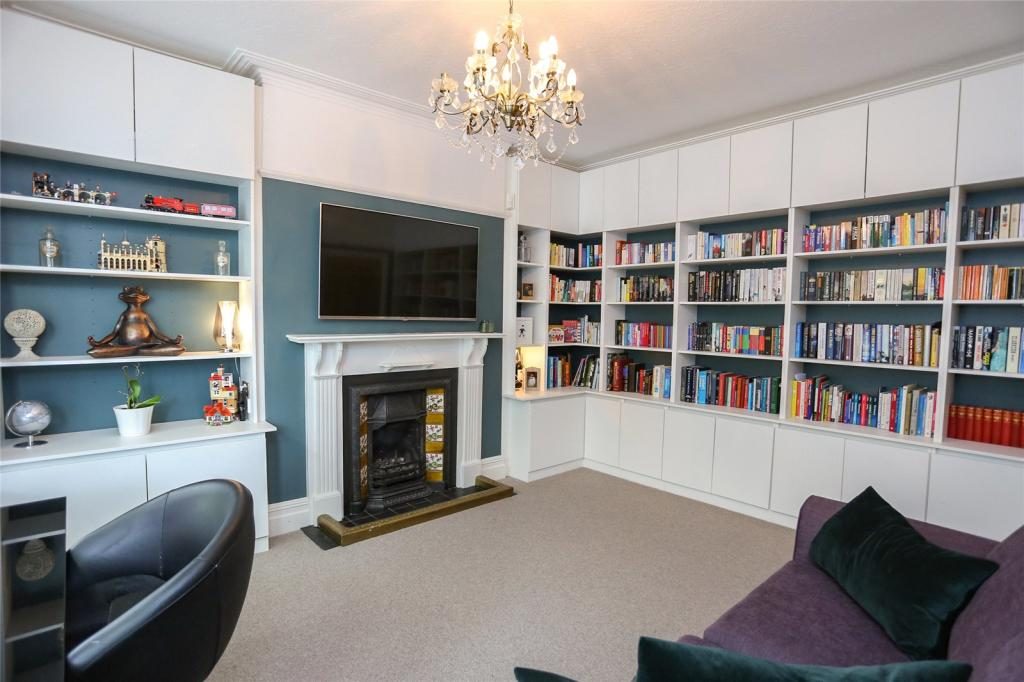
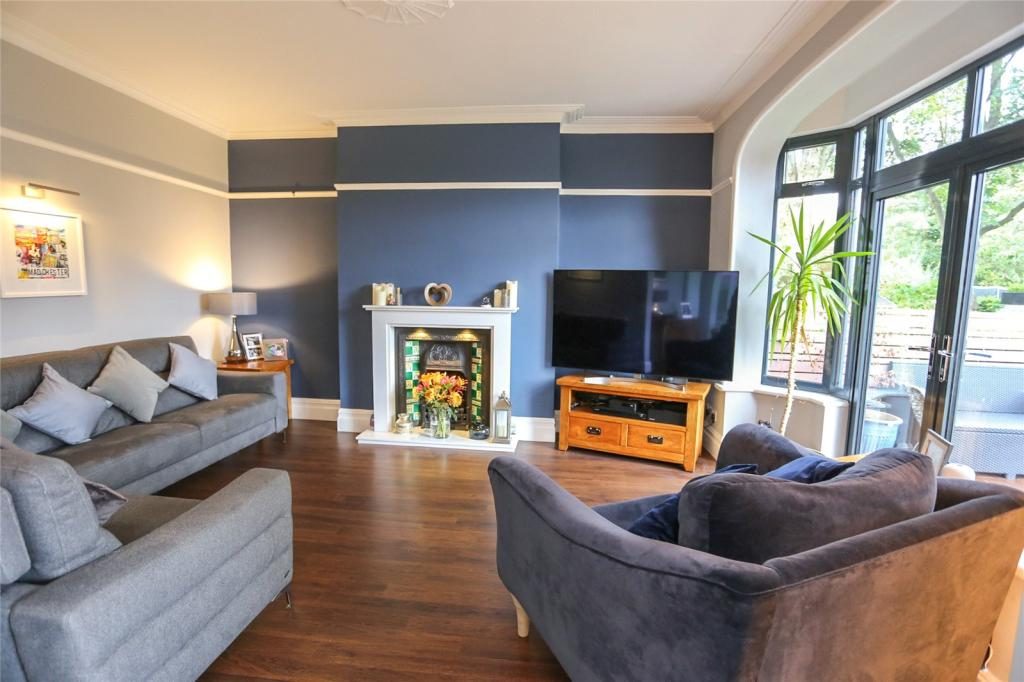
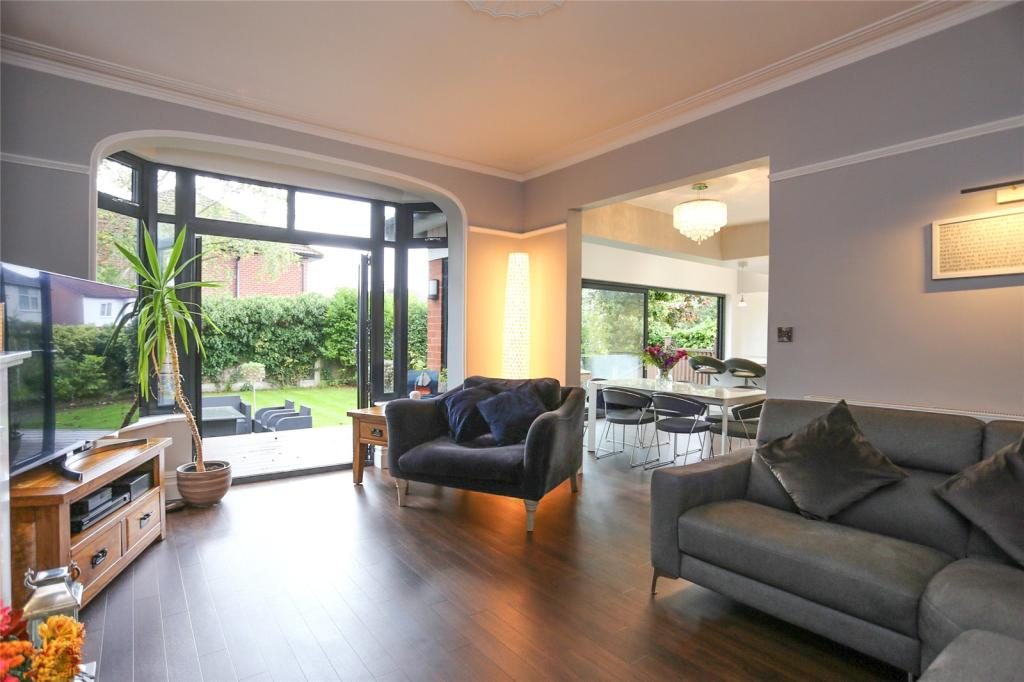
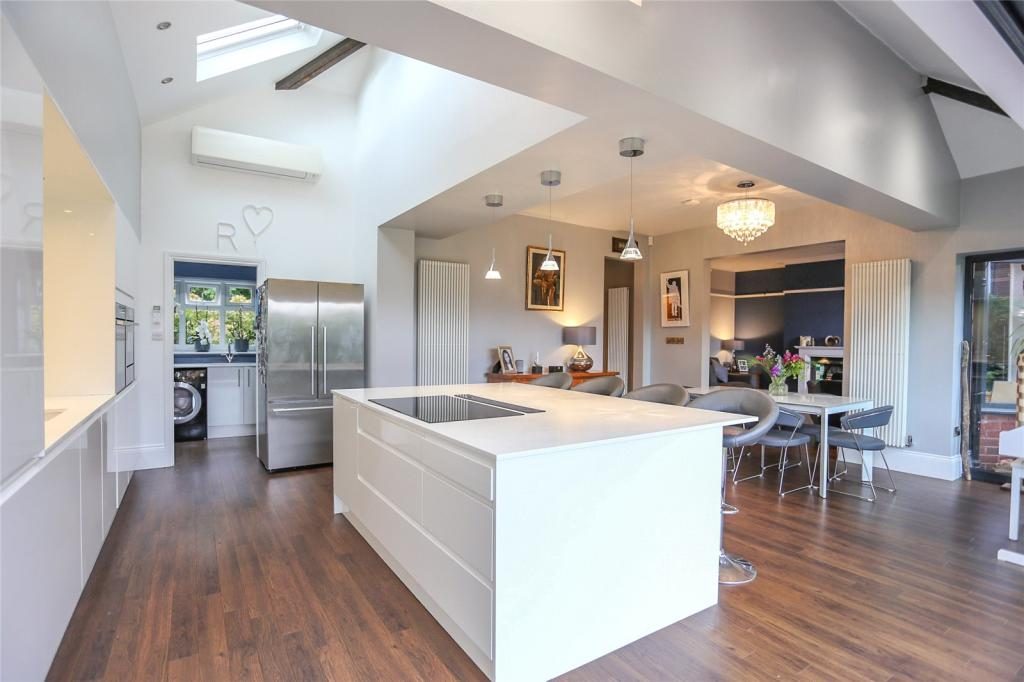
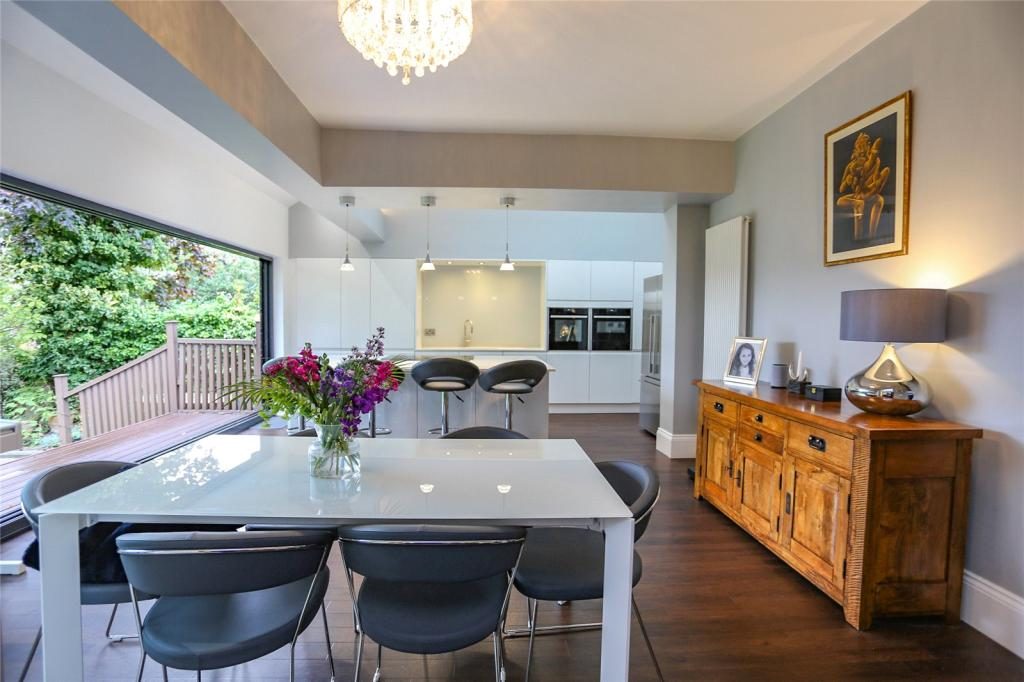
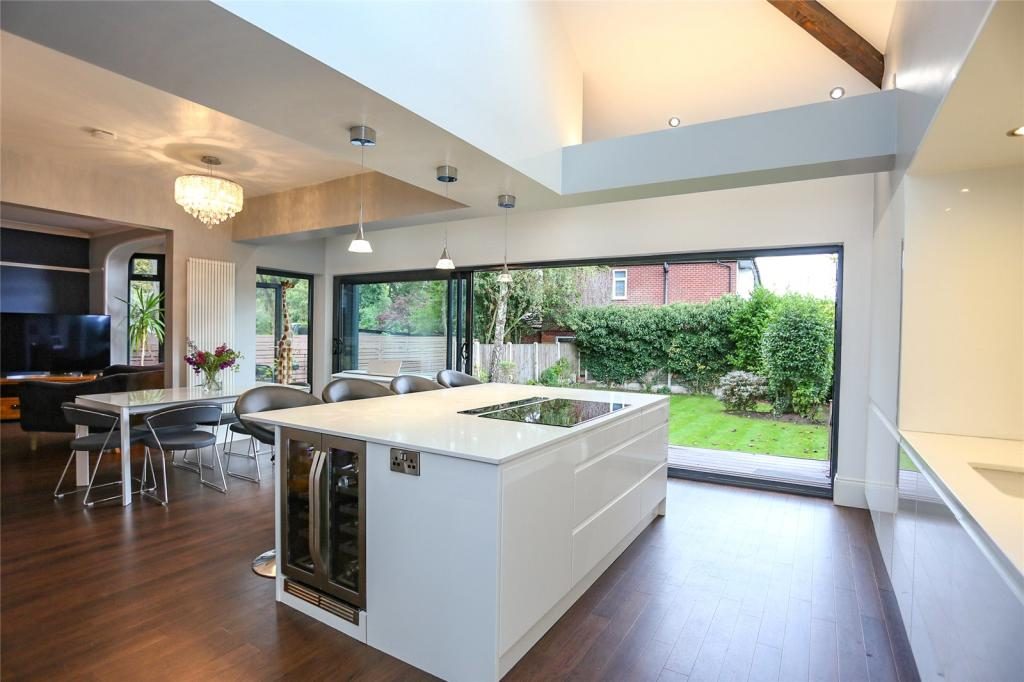
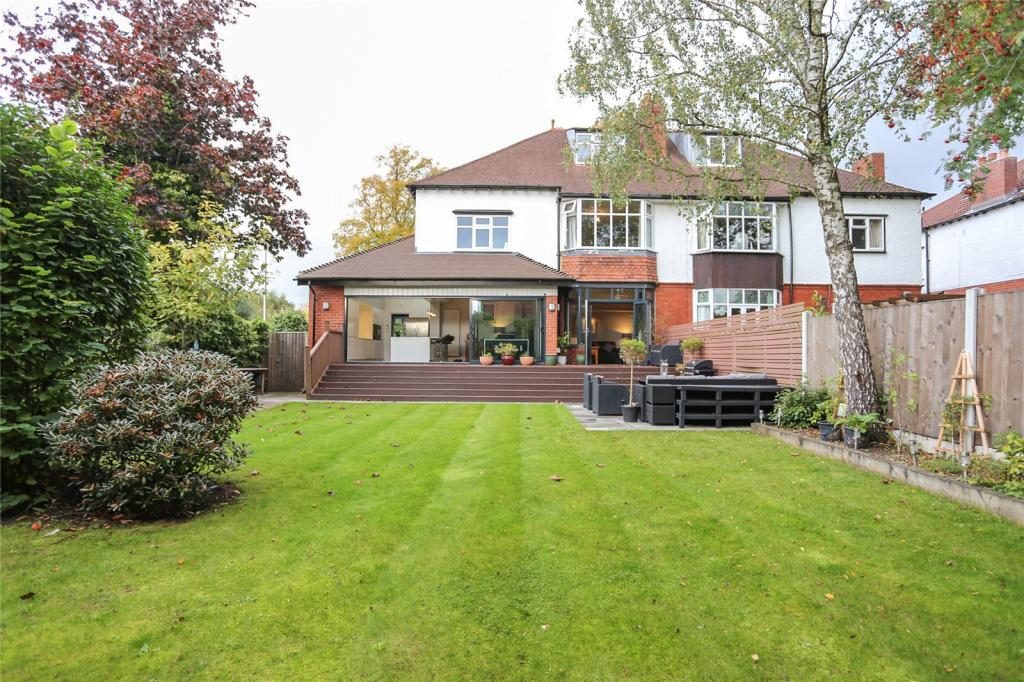
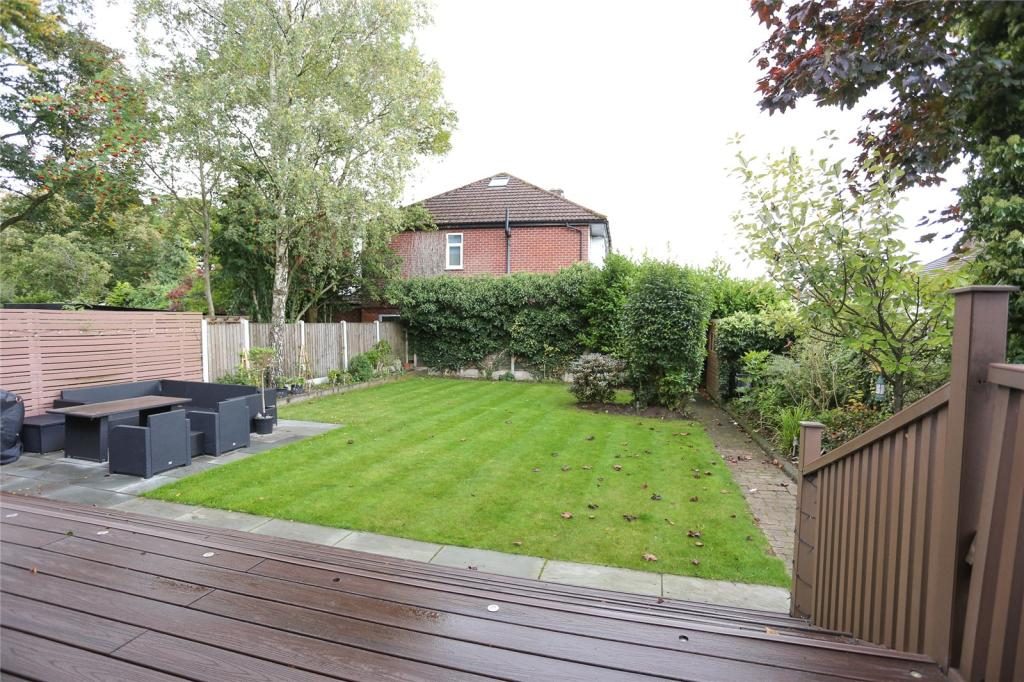
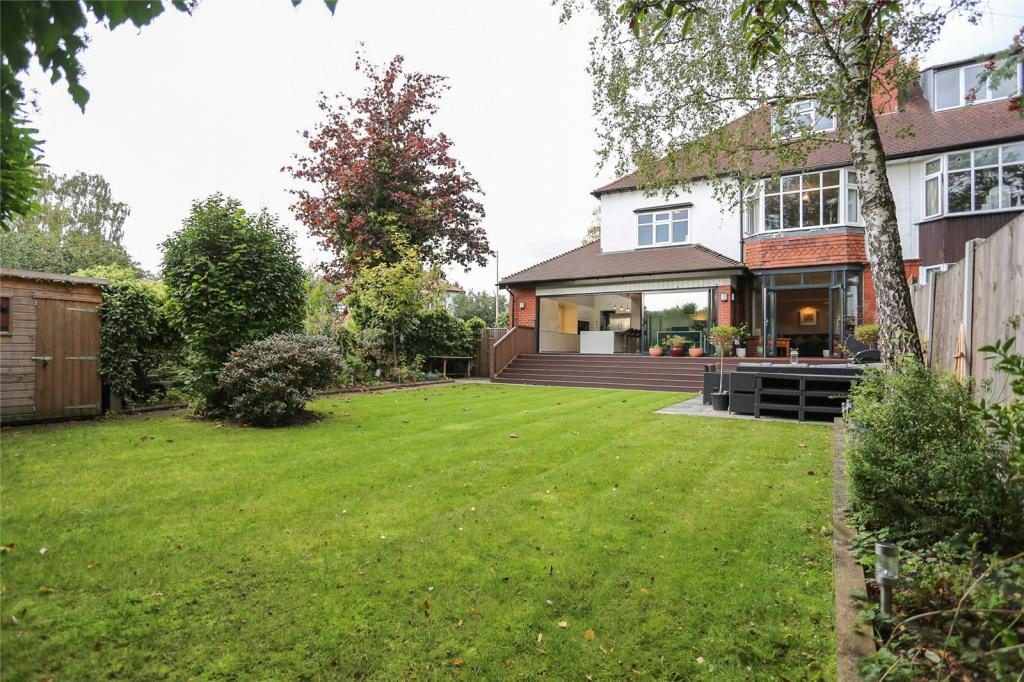
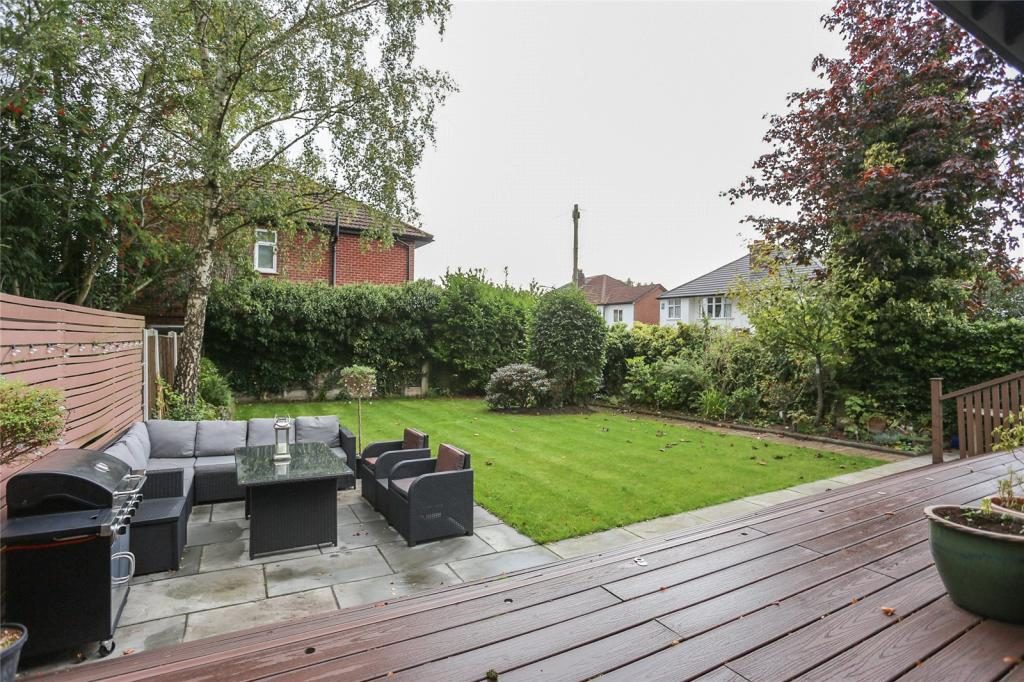
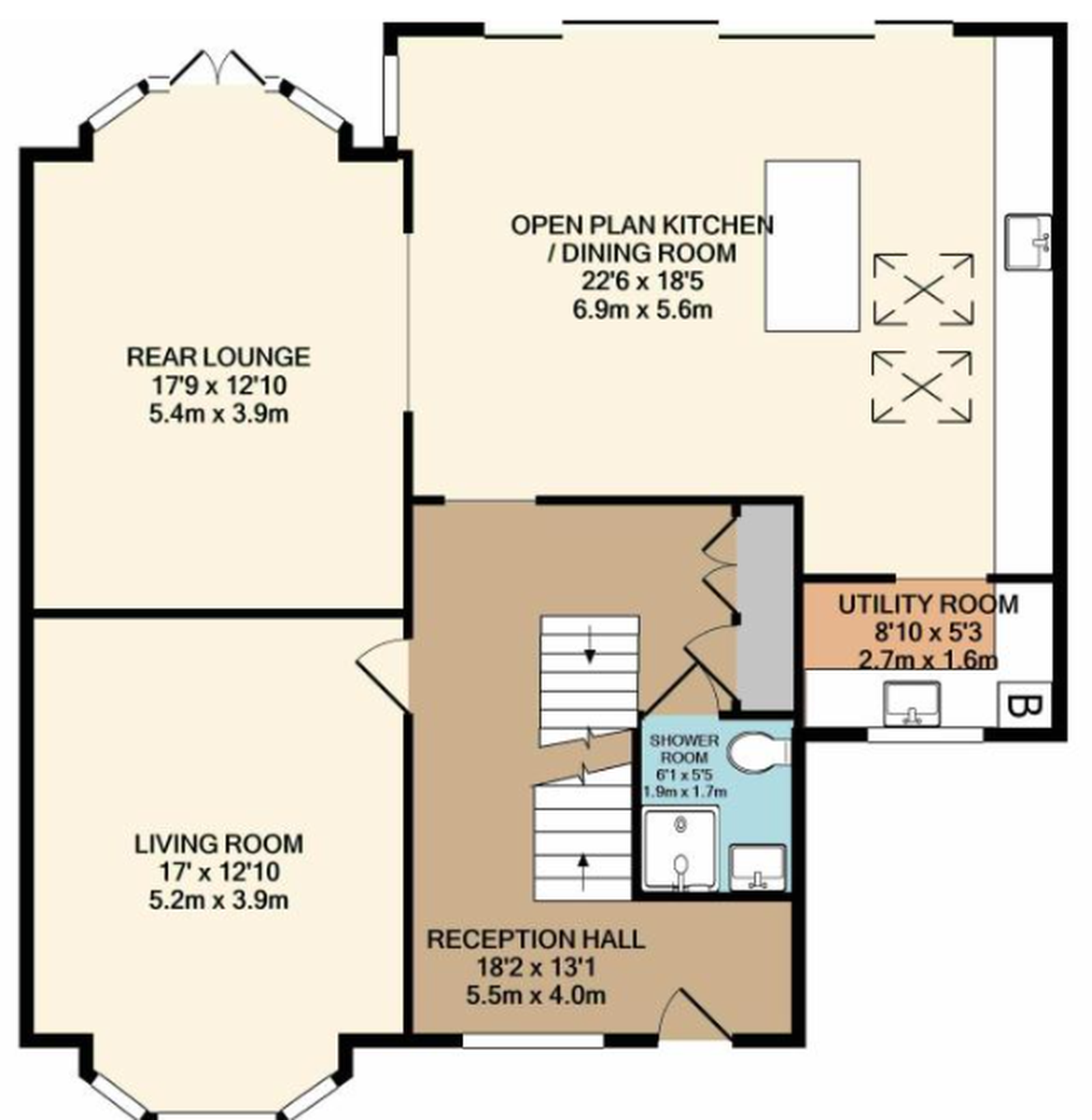
The floorplan is what makes a walkthrough accurate: we use it to plan the route, so each doorway and turn appears where it really is. There were no photos of the landing, so this walkthrough stays on the ground floor. We only show what the photos support, and we never invent a space.
- Your listing photos, JPG or PNG, at full size (1024 pixels wide or more)
- The floorplan, as an image or PDF. We need this to get the layout right
- Or just the link to the listing, if it shows both
- Your logo, if you'd like a branded intro and end card
- A landscape walkthrough video in HD (MP4) for portals and your website
- A vertical cut for Reels, TikTok and Shorts, included
- Your logo and colours, included in the price
- Delivered within 48 hours (Mon–Fri), or faster with Express
- One round of revisions included
- Optional FHD upgrade for branch screens and large displays
- Every scene is checked against your photos and floorplan
- Any scene that changes walls, doors, windows, fixtures or views is cut or remade, not excused
- Generated movement can still introduce small visual differences, so please review every video before you publish it
- Every video carries the caption “Walkthrough created from listing photography”
AI-ASSISTED.
PEOPLE-LED.
The movement between photos is generated with AI video tools. Everything around that is done by people, because photos dropped into an AI video maker don’t come back as an accurate walkthrough of a real home.
We worked out the route from the floorplan first: which door leads where, and which photo shows each view.
Every scene was compared with the photos, frame by frame. Walls, doors, units and windows have to be where they really are.
The first kitchen scene put the units on the wrong wall. We rejected it and made it again until it matched the photos.
ROAM human staff create the edit and give final approval before you receive your video.